

The Internet that travels with you
Discover true freedom of movement with Unilink. Get instant eSIM connectivity worldwide so your travel and work have no boundaries.
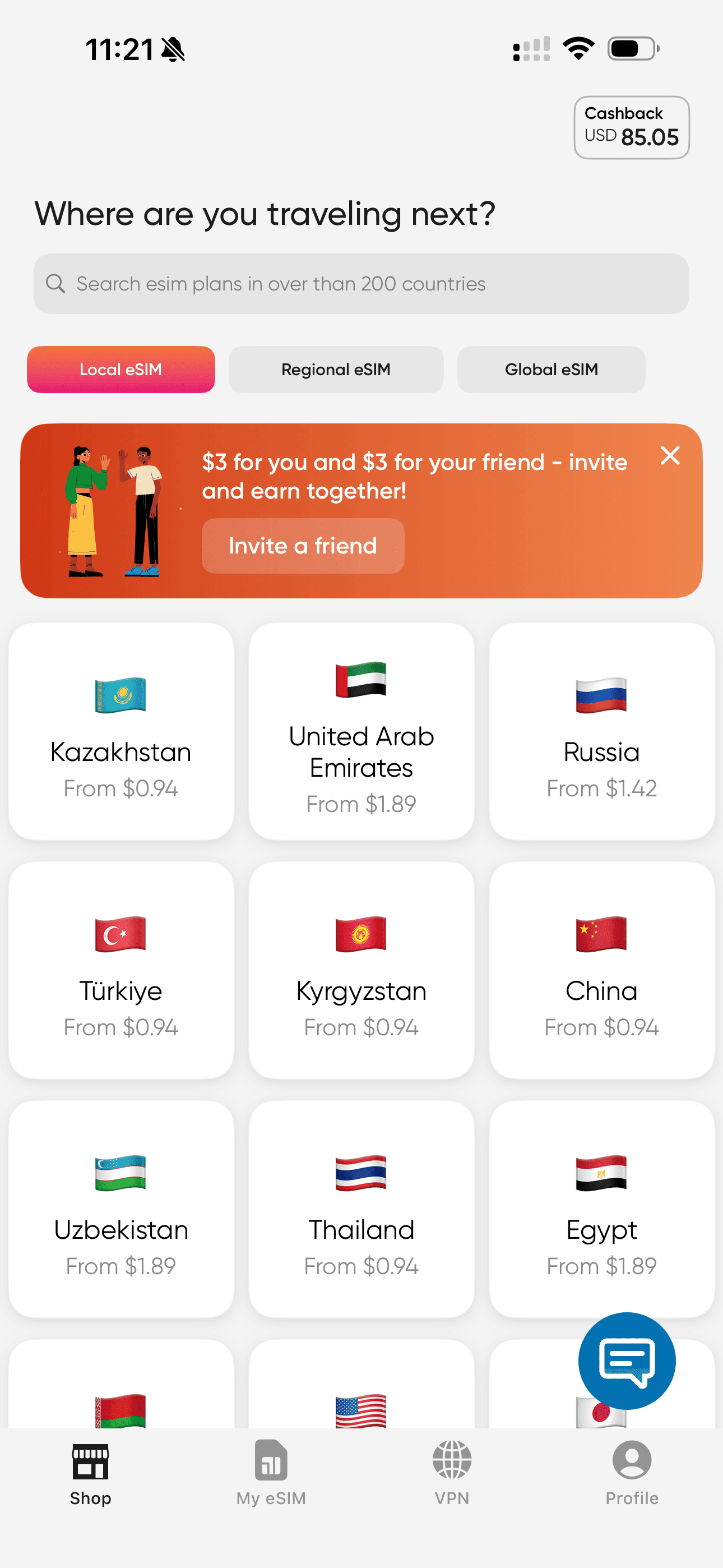
Pick a country / destination
Build the plan that really fits you
Choose a country, data volume, and number of days — we'll calculate the price in real time.
- Fair price without hidden fees
- Flexible setup: from a short trip to a long vacation
- Top up data anytime in the app
- Instant activation in the app or via QR
How Unilink works
Choose your plan
Select your destination and plan, then install the eSIM on your device via the Unilink app.
Enjoy your connection!
Your data plan activates the moment you connect to a supported local network at your destination.
Is your device compatible?
Most phones built since 2024 support eSIM. Here's a comprehensive list of devices that work with Unilink.
Status
Ready for eSIM
Short answers to the stuff everyone asks.
Still stuck? Our humans answer chats 24/7 — average reply under 2 minutes.
Talk to supportAn eSIM is a digital SIM card that is already embedded in your smartphone. You don't need to insert physical plastic: just tap the Install button in our Unilink app or scan the QR code, and the data plan will be downloaded to your device instantly.
The technology is supported by most modern models: iPhone (starting from XS/XR), Samsung Galaxy S20 and newer, Google Pixel and other flagships. Dial *#06# on your device. If an EID number appears, your device supports eSIM. A full list of supported devices can be found on the Device List page.
Yes, you can use an eSIM as a second card for data, keeping your main number active for calls and SMS.
We work directly with local networks around the world, providing you with local rates without intermediaries and the huge markups of your home operator.
Yes! We recommend installing and setting up the eSIM profile while still at home. As soon as you arrive in the destination country, your phone will automatically connect to the local network.
Immediately after payment, the eSIM will appear in the app. Tap the Install button and follow the instructions. If you purchased the eSIM via the website, you will receive an email with a QR code. Go to your phone's cellular settings, select "Add Cellular Plan" and scan the code.
The countdown starts the moment you first connect to the local network, not when you purchase or activate. Install it in advance before your flight.
If you purchased your eSIM through the app, you can buy an additional data package in your personal account. You won't need a new eSIM for this.
Yes. Unilink connects you through local carrier networks with standard mobile encryption. Prefer your eSIM data over public Wi-Fi in airports and hotels when checking maps, messages, or payments.
Yes, all our plans allow you to use your smartphone as a hotspot for other devices.
We accept bank cards (Visa, Mastercard, RU cards).
Of course. If there are technical issues on the network side or your device turns out to be incompatible (and you haven't activated the plan yet), we guarantee a refund according to our policy.